
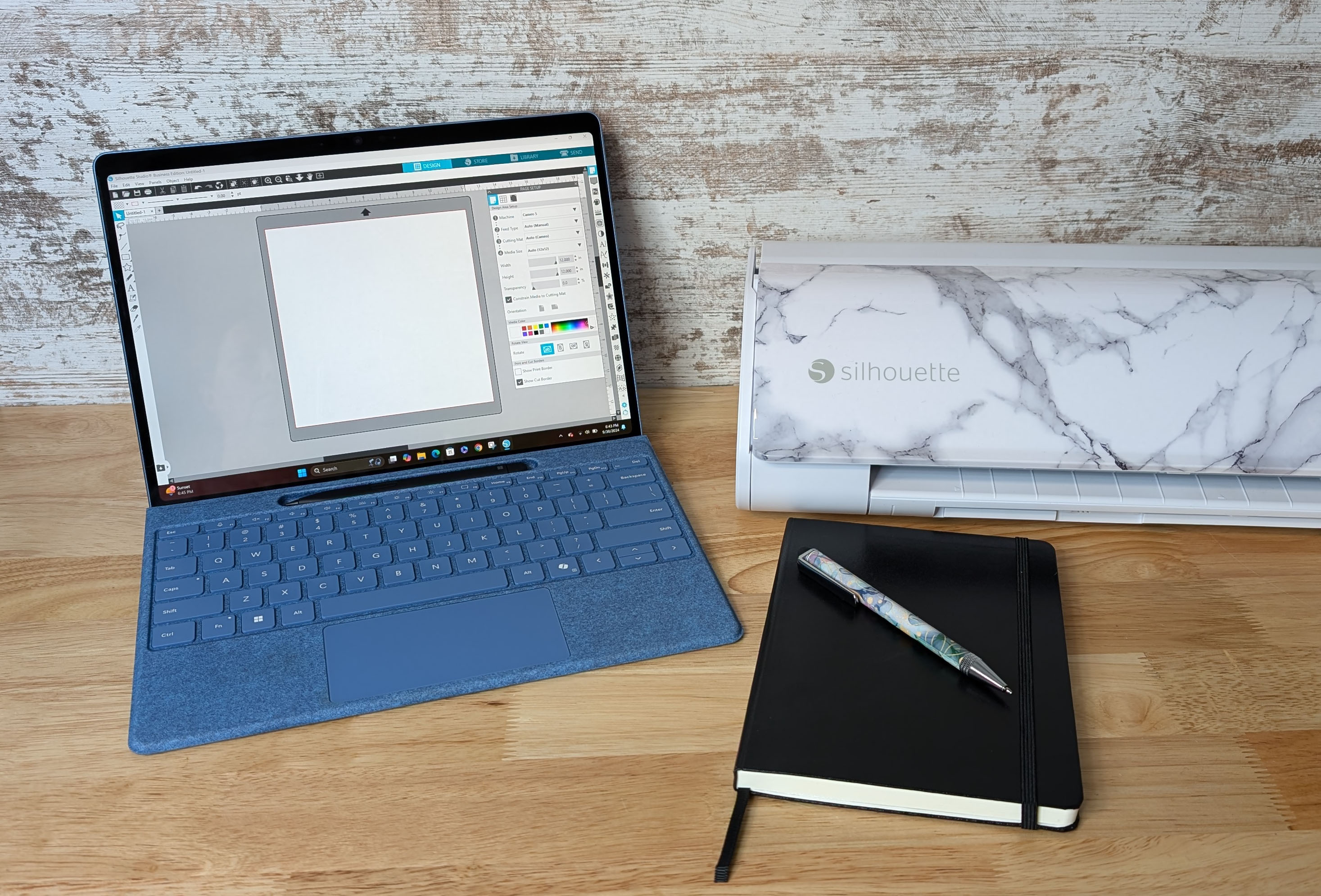
Take the guesswork out of your Silhouette Cameo 5 with this beginner-friendly, step-by-step class. Learn unboxing, setup, Silhouette Studio basics, first cuts with vinyl and cardstock, test cuts, troubleshooting, and pro tips. Portrait 4 users can follow along too.
Silhouette Cameo 5: Beginner's Class
Lessons
Cameo 5 – Course DescriptionSilhouette Studio Software: Important Information
Supply List for Cameo 5 Beginner's Class
Lessons
Class Supply ListIntro, Unboxing, and Proper Setup of Cameo 5
Updated For Silhouette Cameo5α (Alpha) Users
Silhouette Cameo 5 Machine Setup with Computer
Silhouette Cameo 5: Setting Up the First Cuts for Success with Expert Tips
Additional Resources & More
Discover more from Silhouette Secrets-Swift Creek Customs
Subscribe to get the latest posts sent to your email.











