
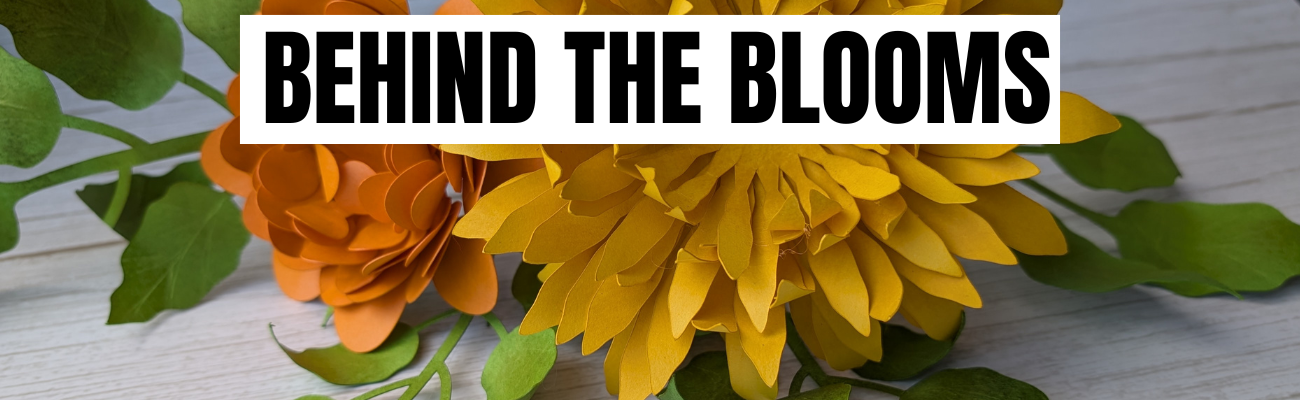

Creating shaped & layered paper flowers is all about the details. In Creating Layered Paper Flowers with a Silhouette Cameo: A Behind-the-Scenes Crafting Process, I’m sharing a closer look at the full creative journey behind my layered paper flower bouquet. This blog post goes hand in hand with the new YouTube video, where I walk through the behind-the-scenes process, helpful cutting tips, shaping techniques, and see the complete supply list below too. You’ll see how flat paper designs can be transformed by adding dimension, shaping each layer, and assembling them together to create full, eye-catching paper flowers using the Silhouette Cameo.
Affiliate links may be present in the following blog post and as an Amazon Associate, I earn from qualifying purchases.
Watch the Video & See the Details!
Head over to the Silhouette Secrets+ YouTube channel to catch the full behind-the-scenes video, then scroll down to explore the finished flower photos and the complete supply list for creating your own layered paper flower bouquet.

Supplies Used for Layered Paper Flowers:
- Silhouette Studio® Software
- Flowers by Daniela Moscone – FlavirDesign – Design #344757
- Bazzill Smooth Cardstock
- Precision Glue Press by My Sweet Petunia
- Hot Glue Gun
- Glue Sticks
- Floral Wire
- Wire Cutters
- Various colors of stamping ink pads
- Sponge
- Fiskars Curling Tool
- Sizzix Tim Holtz Sculpting Tools
- Squeegee
- Silhouette Cameo 5
- Silhouette Autoblade
- Silhouette Cutting Mat
Additional Resources:
Finished Layered Paper Flower Bouquet


I had so much fun creating these layered paper flowers and greenery. Time is the key factor to completing projects like this. Enjoy the creative process!
Find this design in the Silhouette Design Store by Flavir Design.

Save this for future reference by pinning the image below.

Enjoy !
THANK YOU for your support! How can you help? Click HERE & buy a coffee.
Every little bit helps with the cost of running the site.

Silhouette Classes
Never stop learning! Let me help you take the anxiety out of learning with Silhouette and get to creating faster! My Silhouette classes are heavily focused on software, so you can take the skills & techniques taught and apply them to many future projects!


**This post may contain affiliate links. What that means is that I may receive compensation if you purchase through the links I have provided. The price you pay for the product or service is not higher but I may get compensated for sharing.
Discover more from Silhouette Secrets-Swift Creek Customs
Subscribe to get the latest posts sent to your email.











