
Creating Designs in the Silhouette v4 Software
Affiliate links may be present in the following blog post and as an Amazon Associate I earn from qualifying purchases.
This project has been on my to-do list for a long while and now we are all home all day long together, I sat down to get it done.
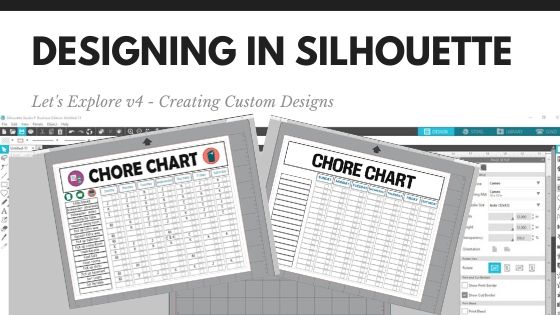
Using some basic features in the Silhouette software – Drawing tools, Replicate Panel, Alignment tools – you can create your own custom projects.
Check out this video below on how I created a chore chart.
I added a couple Chore Chart Icons by Amy Robinson – Design #256141 to the chart to give it a little more color and character than just a boring lines chart.

Now, you may have been putting this off like I was or just haven’t had the time to make a chore chart. So I am also offering this as a free file you can download below.

Click the photo above or download this free file HERE.
Save this for future reference by pinning the image below.

I would love to see what you create!
Feel free to post on my Facebook group at Silhouette Secrets with EllyMae.
Enjoy!


**This post may contain affiliate links. What that means is that I may receive compensation if you purchase through the links I have provided. The price you pay for the product or service is not higher but I may get compensated for sharing.









