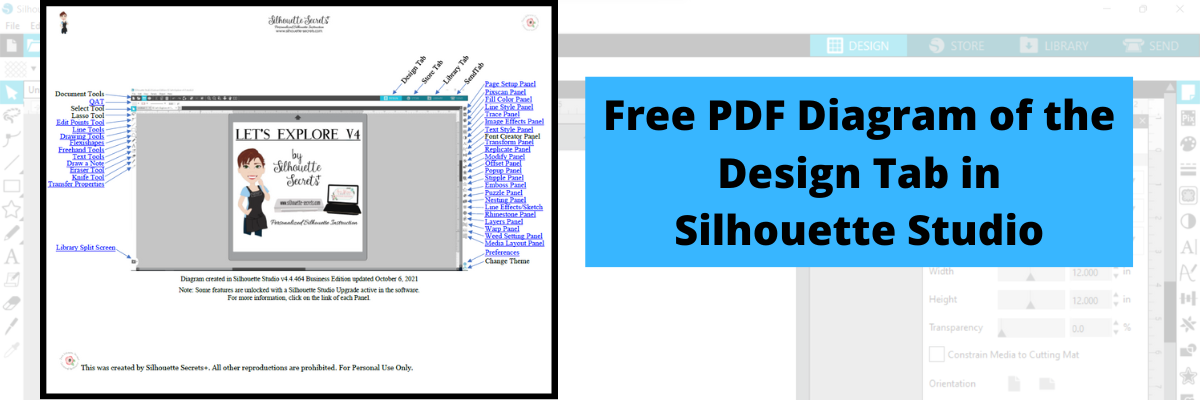
Download this to your computer and open it. Then click on the blue links to be taken to more in-depth information on each of the tools or features.
Print it for a visual reference while working in the software too!
Grab the free PDF file HERE or click the image below.
I have had many comment with feedback that this is very helpful to them when getting familiar with the Silhouette Studio v4 software. All of the information provided is part of the “Let’s Explore v4 series” on the blog HERE.
We love seeing what you are creating with your Silhouette machines or software. Feel free to post photos or questions on my Facebook group at Silhouette Secrets with EllyMae.
Save this for future reference by pinning the image below.
Enjoy!
THANK YOU for your support! How can you help? Click HERE & buy a coffee. Every little bit helps with the cost of running the site.
Or if you are looking for more in-depth, step-by-step classes, check out all of my online Silhouette classes on my Teachable site HERE.
**This post may contain affiliate links. What that means is that I may receive compensation if you purchase through the links I have provided. The price you pay for the product or service is not higher but I may get compensated for sharing.
Lots of things happening behind the scenes, which means that things are happening, but I can’t share until they are ready to publish.
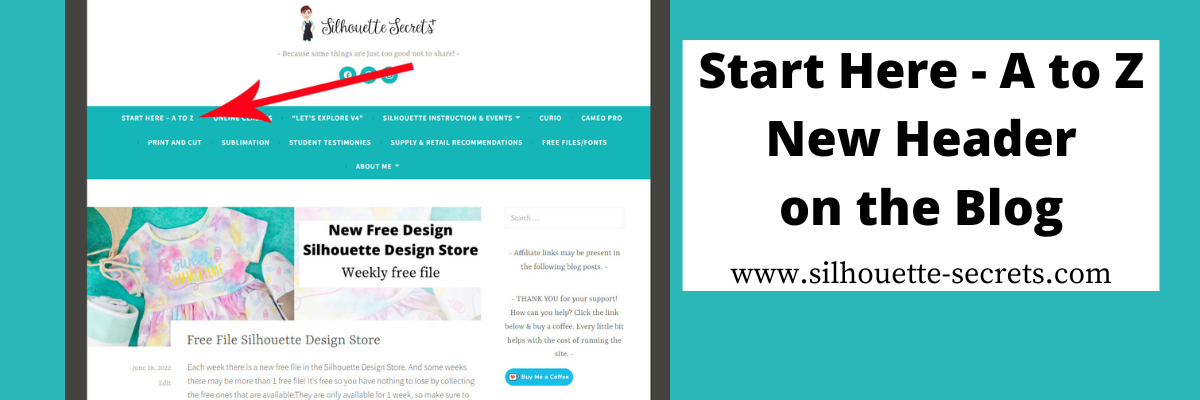
One of those things has been on my to-do list much longer than I want to admit. That is a site map for the Silhouette Secrets+ blog. I have been writing tutorials and creating classes since 2016, which means there is a lot of information on the website. Finding a way to organize that in an easy to view format can be difficult and I hope that I have found a way to make it easier with the A to Z Guide.
I have linked keywords, topics, classes, tutorials, and word combinations in alphabetical order in this A to Z guide that includes some of the most searched Silhouette topics.
Click on the keyword to open up a new web page with more information on that topic.
I hope this makes it easier to find information on the Silhouette Secrets+ blog. I was amazed as I went back post by post for the past years at some of the projects I’d forgotten about.
If I don’t have information specific to a topic on the blog, for instance, something like the Alta, I linked to where you could find more information such as the Silhouette America website.
Save this for future reference by pinning the image below.
Enjoy !
THANK YOU for your support! How can you help? Click HERE & buy a coffee. Every little bit helps with the cost of running the site.
Silhouette Classes
Never stop learning! Let me help you take the anxiety out of learning with Silhouette and get to creating faster! My Silhouette classes are heavily focused on software, so you can take the skills & techniques taught and apply them to many future projects!
**This post may contain affiliate links. What that means is that I may receive compensation if you purchase through the links I have provided. The price you pay for the product or service is not higher but I may get compensated for sharing.
THANK YOU for your support! How can you help? Click the link to buy a coffee. Every little bit helps in the cost of running the site.