
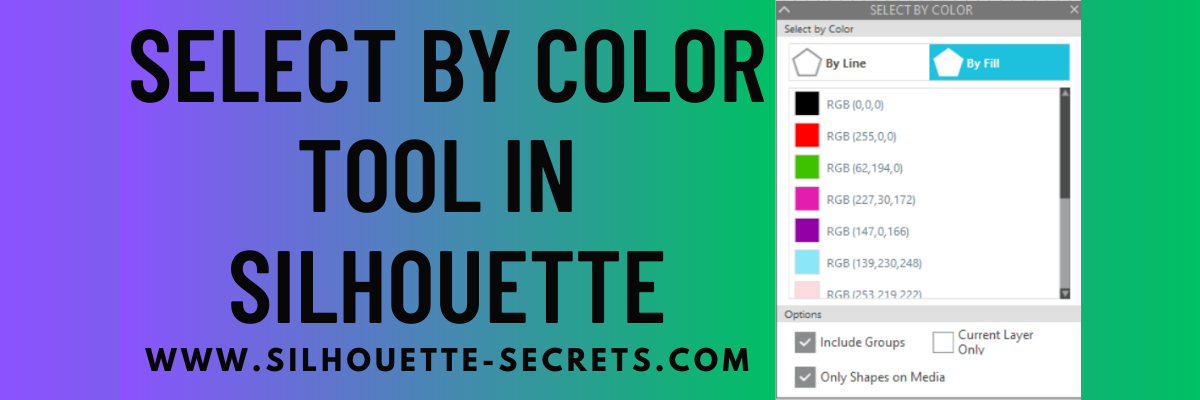
Have you used the Select By Color Tool in the Silhouette Studio software?
Affiliate links may be present in the following blog post and as an Amazon Associate I earn from qualifying purchases.
Select By Color Panel
This is a very helpful tool if you have a complex design and want to select all of the same color either by line color or fill color.
The Select By Color tool can be found in two location in Silhouette Studio.
The fastest way is the Select By Color icon in the top toolbar of Silhouette Studio as shown above.

But, you can also find it under the Edit menu in the top left corner of the Silhouette Studio software too.

Once you have selected the tool, a panel will open on the right side and you have several options that you can use.
Click on either the By Line or the By Fill option at the top and you will see a list of colors for the design on the screen show up.

Select a color of your choice and all of the pieces of that same color will be selected at once. This comes in handy when you have multiple pieces throughout a design and want to easily group them together quickly or select them all for any reason.

At the bottom of the Select By Color Panel, you have a few more options to further specialize the way the tool works.

The Select By Color tool worked awesome when creating this faux stained glass design with Oracal 8300 transparent vinyl and black Oracal 651.

Check out my recent blog post about Custom Color Palettes HERE and how they can help you in your project creation too! It came in real handy for the butterfly project as well!
So many tools in the Silhouette Studio software that can help you in your projects now and in the future!
Don’t miss out on any Silhouette tutorials, classes, or news!
Sign up below to get email notifications every time I publish a new blog post.
My goal is for 1 new post a week, unless there is exciting news to share in between.
I know we are all busy and daily emails are not my thing.
Enter your email address to follow this blog and receive notifications of new posts by email.
Save this for future reference by pinning the image below.

Enjoy !

THANK YOU for your support! How can you help? Click HERE & buy a coffee.
Every little bit helps with the cost of running the site.
Silhouette Classes
Never stop learning! Let me help you take the anxiety out of learning with Silhouette and get to creating faster! My Silhouette classes are heavily focused on software, so you can take the skills & techniques taught and apply them to many future projects!









