
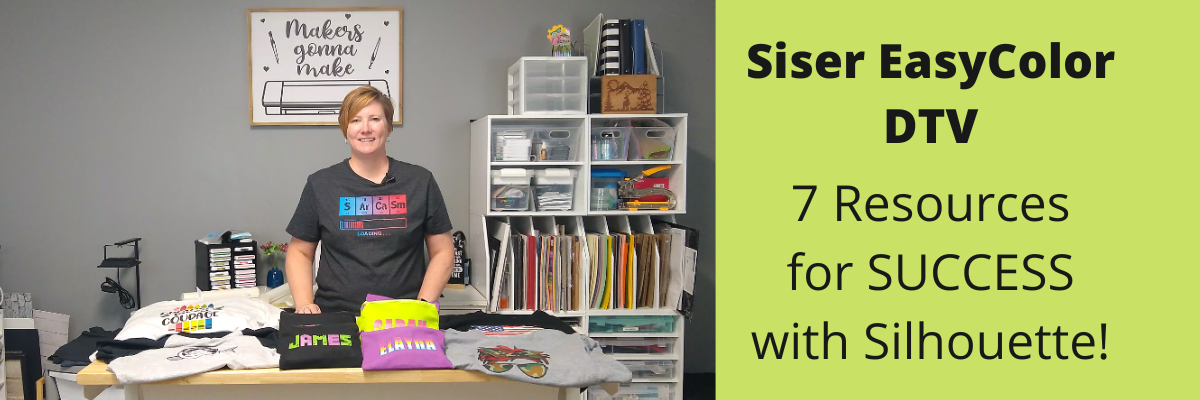
Have you heard?
If you have been following me on my Facebook or YouTube channels I hope you haven’t missed it!

Affiliate links may be present in the below and as an Amazon Associate I earn from qualifying purchases. What that means is that I may receive compensation if you purchase through the links I have provided. The price you pay for the product or service is not higher but I may get compensated for sharing.
I have been having a ball playing with the NEW Siser EasyColor DTV – printable heat transfer vinyl!
This combines one of my favorite features of Silhouette – Print and Cut – with the possibilities to put full color graphics on garments and objects with a home inkjet printer.
Yes, you read that right! Your home inkjet printer will work.
What printer do you need? Any high quality photo printer should work.
I am using a Canon TS9521C Craft Printer but you do not have to have this exact one.

I do like this printer because I have the capability to print on 12″ x 12″ cardstock, other large formats, and it has the rear feed tray.
Check out this post on How To Print & Cut Larger for more tips.
I wanted to drop in and share some of the tutorials and demos I’ve been doing with this Siser EasyColor DTV.
I ordered mine from The Vinyl Spectrum who has super fast shipping and I added a few Silhouette Autoblades to my order to reach that free shipping minimum.
For the super fast shipping I get, I’m happy to pay the shipping, however, I needed a few new blades anyhow.
Now, let’s get on to the EasyColor Information!
Check out each video description for more details and links to all the supplies used in each video.
Let’s start with the update after washing because I know many are wondering about the lifespan. First wash and the colors look the same and no lifting on the vinyl.
I did follow the care instructions on the Siser website.

Siser has said that they were seeing 20-25 washes before they saw changes in the colors. It will take me awhile to get up to 20 washes, so I’ll update every so often.
Now that you’ve seen the update and how it held up, let’s take a look at how I did this.
I am using a process called Print and Cut with the Silhouette. I released a new video tutorial on Print and Cut in less than 15 minutes to share how I set up the file and was successful in my cutting.

I also shared more tips on print and cut with Silhouette in this video,
Tips for Silhouette & Siser EasyColor DTV.
In the video, I share some of the most common reasons we see for cutting issues with Silhouette when using print and cut.

And then I shared more tips in this video,
Siser EasyColor DTV with Silhouette Print & Cut

I shared a few more tips for masking and pressing the EasyColor DTV in this video,
Siser EasyColor DTV Demonstration – Printable HTV

And I couldn’t stop, so I also shared
5 Tips for using Siser EasyColor DTV – Printable HTV

Now, this new material is not limited to shirts even though that might be what you see in the majority of testing going on right now.
I also used it on these cotton canvas zipper bags and I shared that HERE
Back-to-School Goody Bags with Siser DTV.

As you can tell, I’ve had a lot of fun with this new product!
I have used several other brands in the past and even taught classes with printable heat transfer paper. The major difference here is that this is actual heat transfer vinyl (not paper) that is printable AND I’ve been successful in getting it to mask and transfer without losing ink.
Make sure to check out the links in each video for the specific supplies I used and for more tips and tutorials on each one.
I want you to be successful with this product!
Grab some and just start playing with it!
Check out the Siser Application Instructions HERE.
I would love to see what you are creating with your Silhouette software or machines!
Feel free to post on my Facebook group at
Silhouette Secrets with EllyMae.
Save this for future reference by pinning the image below.

Enjoy !

THANK YOU for your support! How can you help? Click HERE & buy a coffee.
Every little bit helps with the cost of running the site.
Or if you are looking for more in-depth, step-by-step classes, check out all of my online Silhouette classes on my Teachable site HERE.









