
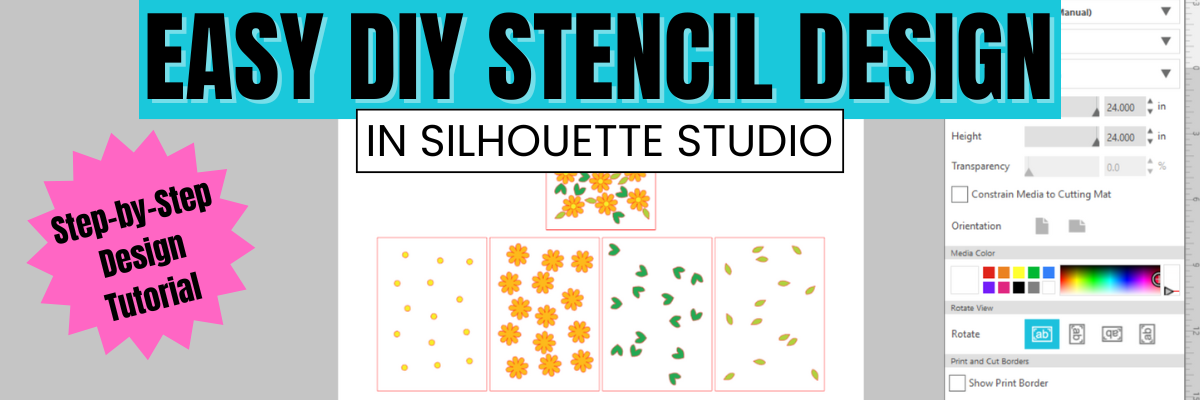

Did you miss this video tutorial? Don’t worry — I’ve got you covered! In this step-by-step tutorial from the Silhouette Secrets+ YouTube channel, I walk you through exactly how to create a layered stencil design in Silhouette Studio. Whether you’re a beginner or just looking to level up your stencil projects, this video will show you how to break a design into layers, align them perfectly, and prep each one for cutting. Layered stencils are perfect for multi-color painting, mixed media, and more — and with these tips, you’ll be designing your own in no time! Watch the full video and start crafting with confidence.
Affiliate links may be present in the following blog post and as an Amazon Associate, I earn from qualifying purchases.
I used the Kingart mixed media gel sticks on some mixed media paper when testing these stencils. I am loving playing with this new form of mixed media and experimenting with it.

Check out the video tutorial HERE on the Silhouette Secrets+ YouTube channel.

Supplies Used:
- Silhouette Studio Business Edition Upgrade for Flexishapes in Silhouette
- 6 mil Stencil Material
- KingArt Mixed Media Gel Sticks
- Mixed Media Paper
- Glassboard Craft Mat – use code SILHOUETTESECRETS to save 15% off your order
*see more details on this Craft Mat HERE - Optional stencil material: Silhouette Stencil Material
Additional Resources:
- Flexishapes
- Drawing Tools
- Edit Points
- Select by Color
- Nesting Tool
- Troubleshooting Cut Issues
- Frisket Film
- Silhouette Stencil video

What would you use stencils for? Let us know in the comments below.
Save this for future reference by pinning the image below.

Enjoy !
THANK YOU for your support! How can you help? Click HERE & buy a coffee.
Every little bit helps with the cost of running the site.

Silhouette Classes
Never stop learning! Let me help you take the anxiety out of learning with Silhouette and get to creating faster! My Silhouette classes are heavily focused on software, so you can take the skills & techniques taught and apply them to many future projects!


**This post may contain affiliate links. What that means is that I may receive compensation if you purchase through the links I have provided. The price you pay for the product or service is not higher but I may get compensated for sharing.
Discover more from Silhouette Secrets-Swift Creek Customs
Subscribe to get the latest posts sent to your email.











