Come along with me and see what I shared in the Glassboard Studio booth at Creativation 2026. In this video I’m recreating what I shared and demonstrating how I use the Glassboard magnetic craft mats in my studio and projects. I enjoyed my demo time in the Glassboard booth at Creativation 2026 so much because I was able to share different projects and collect things on the trade show floor to add in as well. Plus, in this video, I share some bonus projects that just did not work out to share on the show floor too!
Affiliate links may be present in the following blog post and as an Amazon Associate, I earn from qualifying purchases.
Glassboard Studio Demo – Project Remakes with Glassboard Mat
I would love to hear what your favorite project shared was or your favorite tip. Let me know in the comments below.
Behind-the-scenes look – Glassboard Mat Demo
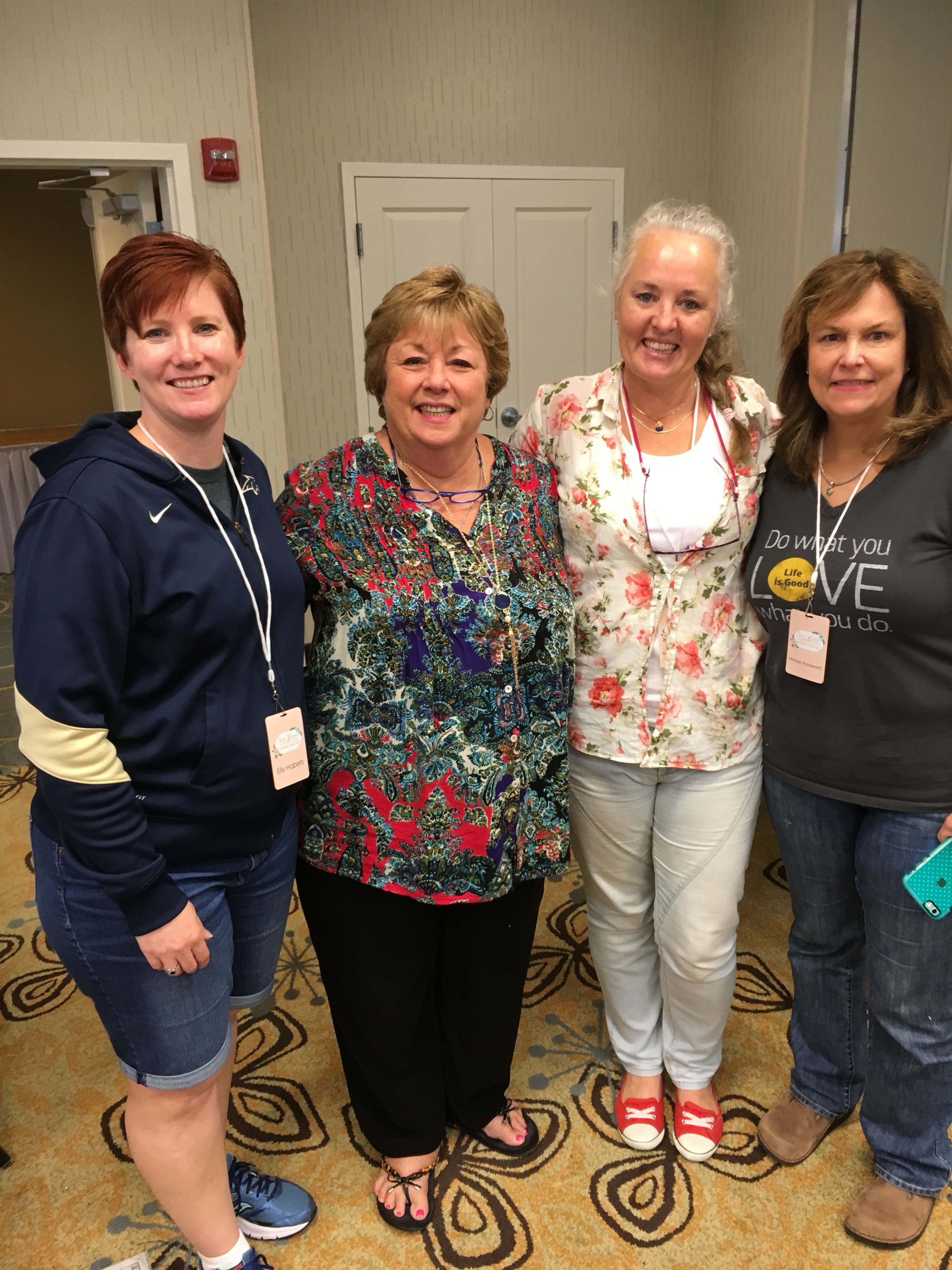
I always forget to take photos when I’m busy teaching, creating, or doing demos. Thank you to Julie McGuffee for snapping a photo of me in the Glassboard Studio booth!

Here is the one and only photo that I took while I was doing the actual demos.

For this one, I was creating with a custom stamps designed specifically for Creativation 2026 by Photocentric and then watercoloring the images in with a watercolor palette by Pointer USA. This has become one of my favorite items to collect on the trade show floor!
One neat thing about this was that I was able to leave my paints exactly as you see on the glassboard mat and break for lunch. Then when I came back for my second demo shift, I simply reactivated the colors with a bit of water and continued creating.
Here are a couple photos from the demo remake. This shows the stamped image from the video and then I added with Lindy’s Gang Magical Shakers for the colors. I love the sparkle it has, but it may not come through well in the photo.

And then a sample of just the colors themselves from the video demo.

In the video demo remake I was able to share multiple projects and show how I use the Glassboard Studio tools when I create. I lost track of how many different projects I was able to share, but here is a look at what was on my work space for this video.

I spy with my little eye… Stamped and watercolored images, custom faux wax seals – hot glue – print and cut images – Posca gold marker for accents, beaded pots of personality, sketching with Sharpie, painted faces with Liquitex, swatching and coloring with Lindy’s Gang Magical Shakers.
If you watch the video demo, you will hear me say that a year ago I did not own a Glassboard magnetic craft mat. I had to really talk myself into spending the money and ordering one. Now, I have 5+ in my craft studio and I do use them all. I have a couple on dedicated work spaces such as my beading & jewelry table, my main work space where I record videos, and a couple set up for a summer “craft camp”. I move them around as needed and I will admit, this is one of those situations where I purchased a couple of them simply because I loved the pattern and it made me happy. Impulse buy – probably!!! And not only have I added the magnetic mat to my work space, but the accessories like the Craft Catcher’s are right beside it too! I use them all the time.
After Creativation and doing the demo, I also added the HexaFlex Organizer Set to my work station as well. There is something about using a tool or storage accessory that gets me every time. Each year of Creativation I seem to add another new tool to my studio.
Supplies Shown in the Glassboard Mat Video Demo:
- Glassboard Studio Magnet Craft Mat, Craft Catchers, HexaFlex Organizer Set, Magnets
Use code SILHOUETTESECRETS to save 15% on your Glassboard Studio order - Emerald Creek stamps – Use code ELLYHABETS to save 10%
- Mixed Media Paper
- Watercolor Paints
- Paint Puck
- Dynasty Paint Brush
- Ranger Archival Ink Black
- Beads and Wires
- Small Clay Pot
- Craft Foam to Fit Pot
- Liquitex Paint Markers
- Adtech Hot Glue Gun
- Adtech Hot Glue Sticks
- Adhesive Photo Paper
- Wax Seal Stamp Solid
- Posca Gold Marker
- Stamps from Photocentric
- Sharpie Markers
- Lindy’s Magic Shakers
During the event, I like to be in the moment and I often get too busy & forget to post on social media and then after I get so far behind in posting and compiling video and photos, but there is lots to be shared and I hope to have more soon.
If you are on Instagram, I did put up a couple quick reels from the event.
- My Designer Showcase Display
- Mystery Box Challenge & My Creation
- Creative Professional Canvas Wall Display
- Creativation 2026 Photo Dump
And I also demonstrated in the Pointer USA booth with my Silhouette Portrait 4 and sketching on their mixed media paper. If you missed it, here is the remake of that demo too and also what failed on the show floor.
Want to see more from the Creativation Tradeshow floor? Check out these videos by my fellow NAMTA Creative Professionals that I was able to hang out with.
- Julie McGuffee – Life in the Craft Lane blog – NAMTA Creativation, St Louis, MO – 2026 blop post photo tour
- Lolly Palooza – Inside Creativation! Show Recap for HUGE Art and Craft Show video
- Lolly Palooza – Seth Apter Demo at Creativation 26 video
- Lolly Palooza – What is a “Passport Journal” and How is it a Game Changer? video
- Eileen Hull – Instagram – scroll back to see video recaps
- Lisa Christensen – New art supplies coming – recap of Creativation 2026 video
- Lisa Christnesen – Creativation 26 in action – in the Trade Show video
- Jenny’s Crayon Collection – New Art Supplies 2026: Creativation Walk Through, St Louis (30+ Brands) video
Save this for future reference by pinning the image below.

Enjoy !
THANK YOU for your support! How can you help? Click HERE & buy a coffee.
Every little bit helps with the cost of running the site.

Silhouette Classes
Never stop learning! Let me help you take the anxiety out of learning with Silhouette and get to creating faster! My Silhouette classes are heavily focused on software, so you can take the skills & techniques taught and apply them to many future projects!